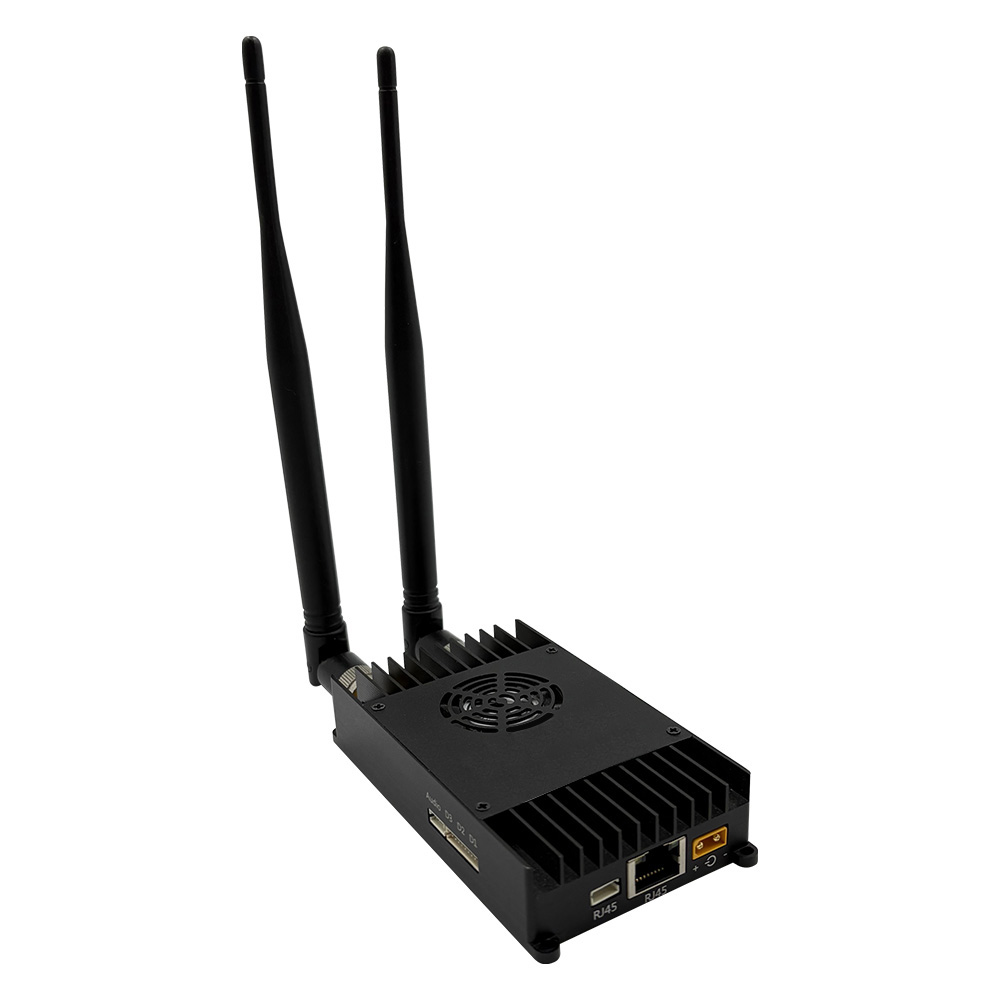


What Is an IP Mesh Radio and How Does It Work?
2025-10-24


The large-scale wireless bridge project involves complex equipment and wiring. The following key points are worth noting:
Design
The actual construction drawings are used to determine the layout and position of the wiring. Factors to be considered include: concealment, damage to the building (based on the building's structural characteristics), utilization of existing space while avoiding power lines and other lines, and the necessary and effective protection requirements for the cables in the actual site conditions.
The location of the router
Routers are generally installed in the underground weak current room (far away from the strong current room to avoid strong electromagnetic interference). Pay attention to ventilation and keep it dry. It is best to be equipped with an enclosure and placed together with the core switch.
The location of the POE power supply switch
The selection of POE switch positions should be reasonable. It should be placed in the middle of the wireless AP locations to reduce wiring costs and shorten the distance from the switch to the wireless AP.
AP Position Selection
The placement of the wireless AP should be in the central area of the scene and radiate outward in a radial pattern. The coverage areas of the AP devices should overlap to reduce signal blind spots. The distance between the wireless AP and the POE switch should not exceed 80 meters (for example, using network cables).
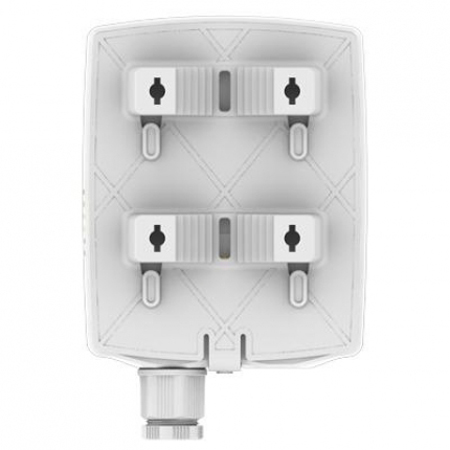
The installation of network cables
The network cable serves as the transmission medium for network signals. During the laying process, it is necessary to protect the lines properly, avoiding any breaks or dead ends. In cases where necessary, it should be covered with iron pipes or placed within the roof cable tray. It is particularly important to note that for high-voltage power lines, efforts should be made to minimize interference with the signals.
Practical operation debugging and post-maintenance precautions:
a、External network and routing: The external network cable is properly connected to ensure normal internet access conditions. The router is activated to guarantee that the router can function properly for internet communication. During the construction process, the main switch and the switch on the construction floor are also connected to ensure the normal operation of the backbone network.
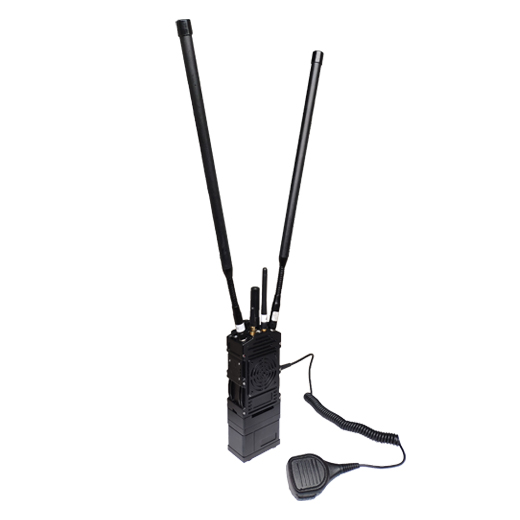
b、Testing the walkie-talkie: During the testing phase, we need to borrow a set of walkie-talkie equipment from the mall to facilitate the testing process.
c、During the construction and commissioning phases, sufficient spare parts need to be reserved for the construction and commissioning hardware such as APs, switches, and network cables.
d、Construction Drawings: Before each construction, please provide our staff with two sets of construction drawings.
Construction network topology diagram: Requirements include detailed information on floor switches, routers, and their locations, as well as the number and connection methods of each layer's AP and other hardware.
Construction equipment connection line identification diagram: Requirements include routing and connection information of switches and APs, corresponding ports, and the theoretical approximate length of all connection lines (including the distance from the route to the switch to the AP).
e、Construction wiring and line marking planning:
Information identification record: AP point Mac information record: When the construction party places the AP, they need to record the floor number and position number where the AP is located, as well as the corresponding Mac information (note the corresponding floor map AP number. For example: 1st floor 1st mac information, the format is 1F-1 : AC:11:22:33:44:AP ). This information will be uniformly recorded by floor in the Word document of the floor mall construction drawing or directly recorded manually in the blank space on the side of the construction drawing, to facilitate future maintenance and use.
Line marking identification record:
(1)On the input/output lines at the switch end: It is necessary to mark the identification or serial number of the connection terminal to indicate which floor and position number of the AP it is connected to (note the corresponding floor diagram AP number, for example: 1st floor 1st, format: 1F-1), and the incoming line from the external network also needs a label: it is necessary to mark "External Network Access".
(2)Interconnection between all floor switches: At the connection terminals of the lines between the switches, the identification or serial number of the source of the connected terminal needs to be indicated. (Note to write the floor and switch label, such as: 1st floor 1st switch, format: 1F-1 SW)
Check on-site whether the installed AP is powered on and functioning normally:
After the construction workers completed the work, all the sites were inspected and it was confirmed that all APs were powered on normally. Under the powered-on condition, the normal state is as follows: The green indicator light on the AP remains constantly on. If the router is in place and running, the software can be used to detect whether the AP is properly transmitting signals and providing internet access.
If the above information is completely clear, then no construction workers need to be present on site. However, if the above information is completely unclear, then the construction workers must be present on site for each debugging session.